

Every day, I spend hours looking at a computer screen. Sending out emails, troubleshooting people’s problems, checking Facebook, and numerous other things are a majority of my day. Most of us spend 8+ hours a day in front of a computer with little to no regard as to what it may actually be doing to us.
One thing I know for sure it is doing is keeping us awake. “But how?” you ask. The light from our screens! Computer screens emit unnatural blue light. Have you ever looked at someone who is working in the dark and see their face light up from their screen? That same screen is flooding their eyes with the same light.
Behind the scenes, your brain sees this light and registers that it is still daytime due to the amount of blue light entering the eye and this makes it harder for you to fall asleep. Basically, during the day, the sun emits blue light at 5500K at about noon. An LCD computer screen emits the same light at about 6500K (Lower is closer to night time) at all times of the day. This light enters your eye and causes your circadian clock to be thrown off. A circadian clock helps your biology and physiology match with a regular earth day/night cycle. Messing with this has been known to cause added stress on the body, eye strain, and headaches.
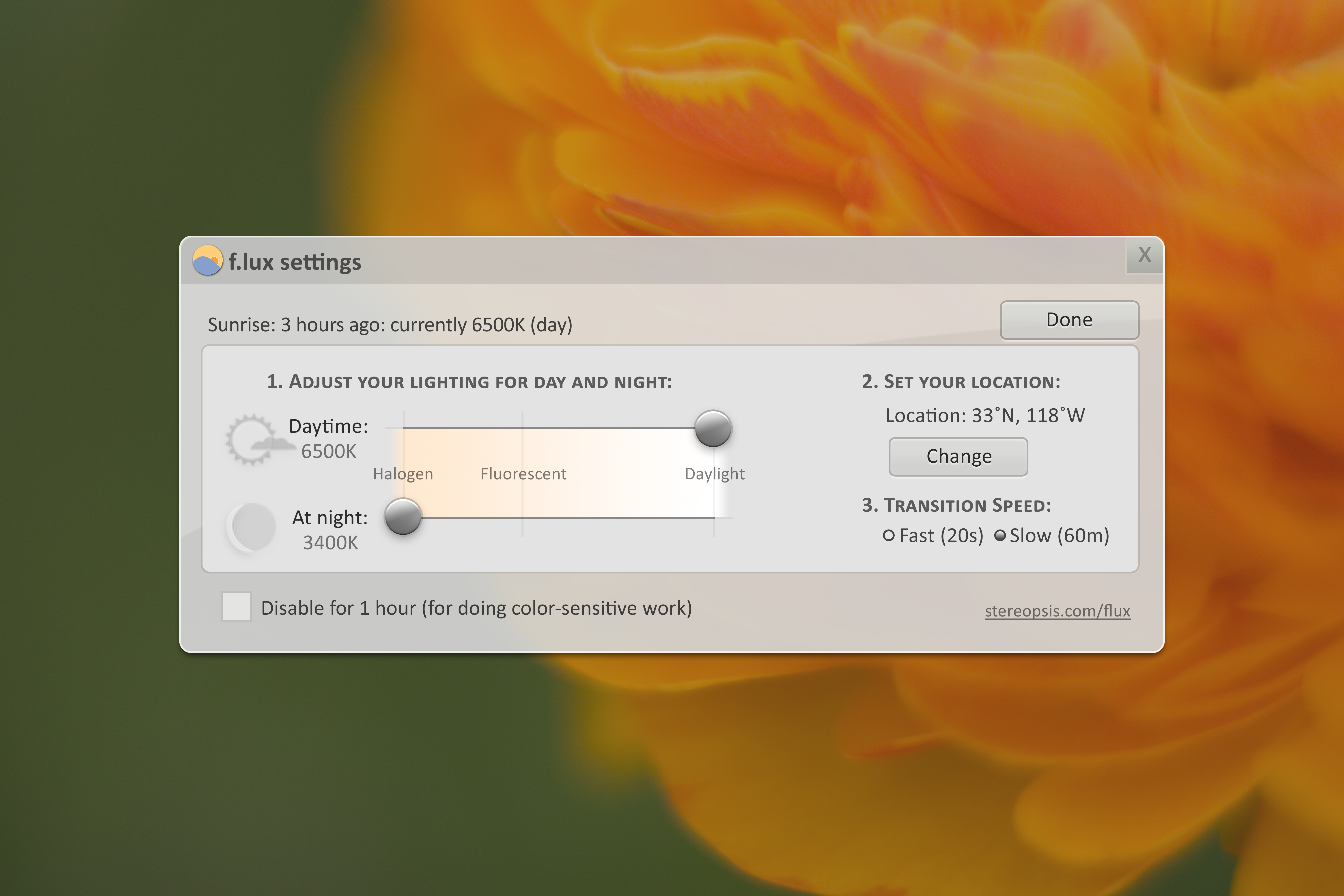
F.lux is a FREE program to help everyone solve this problem. Basically, f.lux adjusts the “color temperature” of the light emitted from your screen. Color temperature is best explained by the F.lux team:
The term color temperature is a way to numerically describe how much red or blue light is illuminating a room. Color temperature is measured in Kelvins, and is determined by the kind of light you’re using. Confusingly, warmer (more red) light sources are described in lower degrees Kelvin. Compared to indoor lighting, daylight is cool – very blue. A candle is around 1800K, while a sunny day might be 6000K. An overcast day is more blue, so it might be around 7000K.
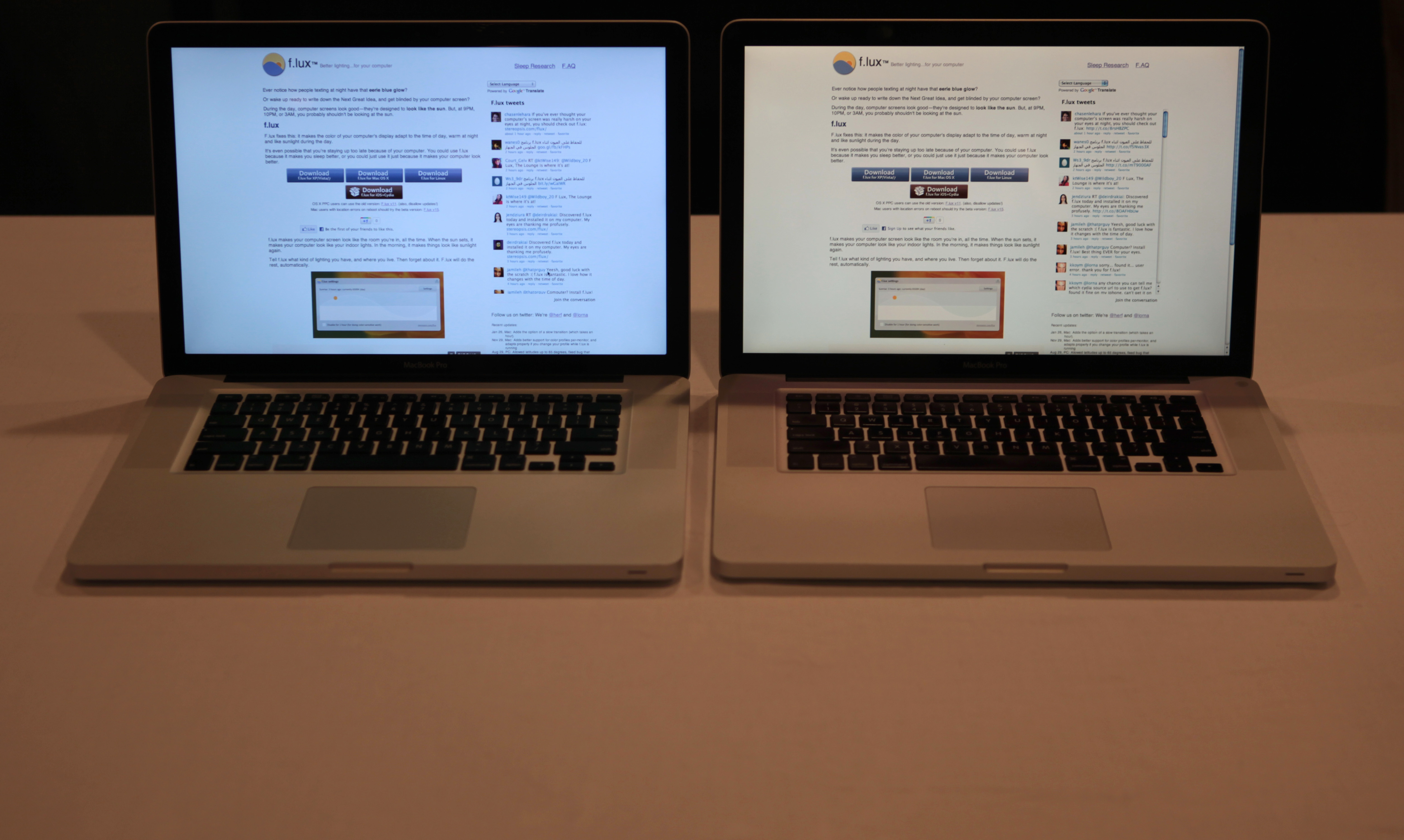
F.lux recognizes that the sun is going down and starts to remove the blue from your screen either over 60 seconds or over the course of an hour (Personally, I like the hour setting). Now, I forewarn you that the first time you see this on your screen, you won’t like it. I didn’t. However, in less than an hour, my eyes adjusted to the warmer tone and now I cannot live without it! I use this on all my personal computers and recommend that you do too! Today, I actually adjusted it to be lower than the default 3400K. I have gotten used to that and it feels like it isn’t quite soft enough yet. The best way to see the difference is to go into a pitch black room and look at your laptop with f.lux on and off. After just a few flips, your eyes will beg for the softer light.
You can get f.lux for Windows, Mac, Linux, and even iPhone/iPad (iProducts may take a little configuring) on their website. If you have any troubles, check out their FAQ. There is also TONS of research to support the idea behind this software, so there are no excuses not to download it now!
 downsizetheweb.net